 Ajda
iPhone & Android
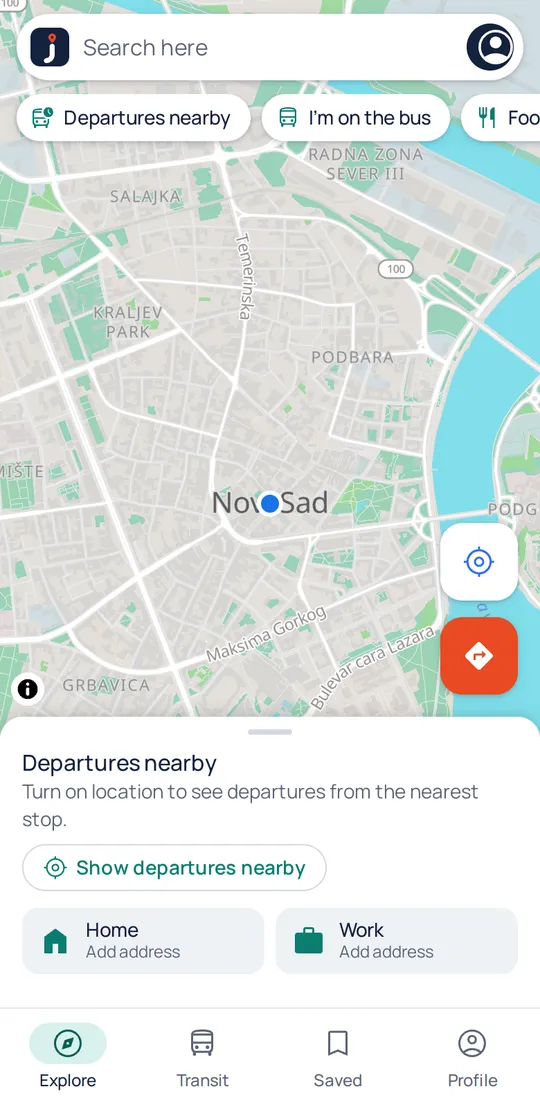
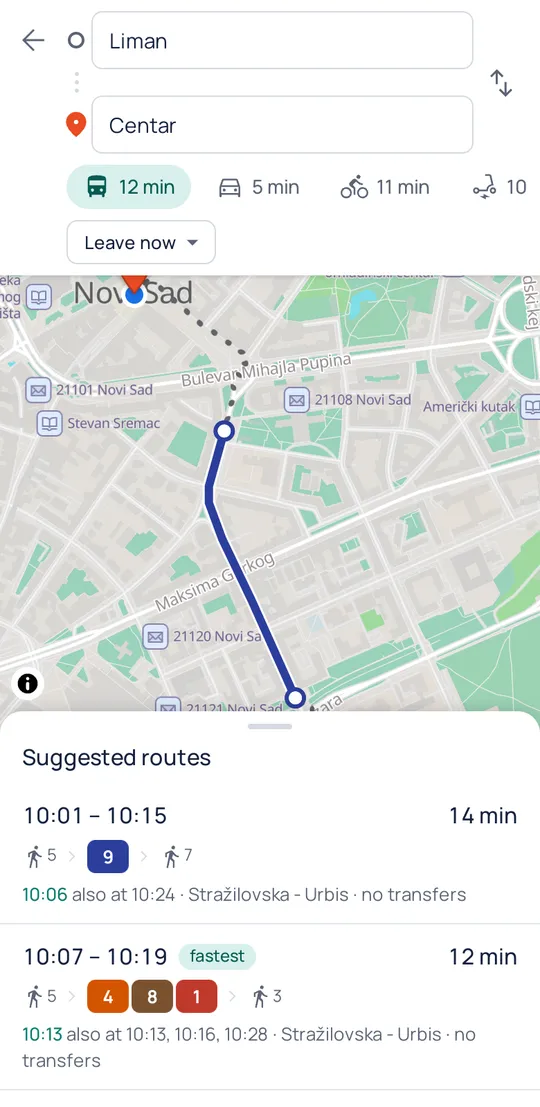
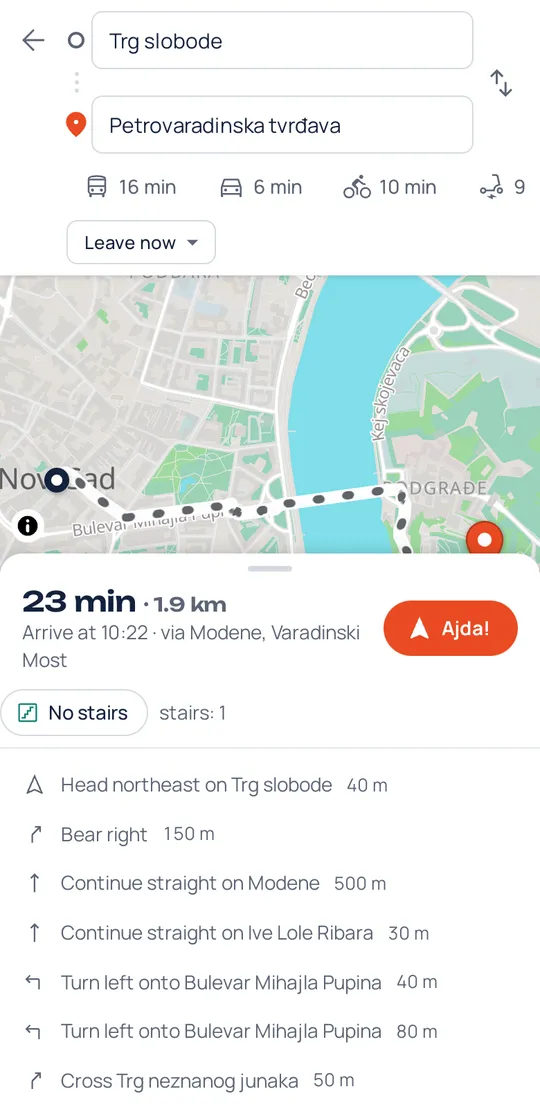
Ajda on your phone
The Android app keeps guiding with the screen off: a notification with the next step, vibration and a voice telling you to get off at the next stop.


 Scan with your phone
Download APK For phones without Google Play. The app tells you about new versions.
Install without Google Play (APK)
- On your phone, open the release page on GitHub and download ajda-…-universal.apk.
- Open the downloaded file and allow installing from the browser.
- The app tells you itself when a new version is out.
Scan with your phoneDownload APK For phones without Google Play. The app tells you about new versions.
Android 8 or newer is required. We recommend installing from Google Play. For iPhone: App Store. On computers, use Ajda in the browser at maps.ajda.rs.